ROS2 Journey VIII
1. Prerequisite
sudo apt install python3-colcon-common-extensionscolcon does out of source builds. By default it will create the following directories as peers of the src directory:
- The
builddirectory will be where intermediate files are stored. For each package a subfolder will be created in which e.g. CMake is being invoked. - The
installdirectory is where each package will be installed to. By default each package will be installed into a separate subdirectory. - The
logdirectory contains various logging information about each colcon invocation.
Create a workspace
mkdir -p ~/ros2_ws/src
cd ~/ros2_ws
git clone https://github.com/ros2/examples src/examples -b humble
In the root of the workspace, run colcon build. Since build types such as ament_cmake do not support the concept of the develspace and require the package to be installed, colcon supports the option --symlink-install. This allows the installed files to be changed by changing the files in the source space (e.g. Python files or other not compiled resourced) for faster iteration.
colcon build --symlink-installcolcon test. install/setup.bashros2 run examples_rclcpp_minimal_subscriber subscriber_member_functionros2 run examples_rclcpp_minimal_publisher publisher_member_function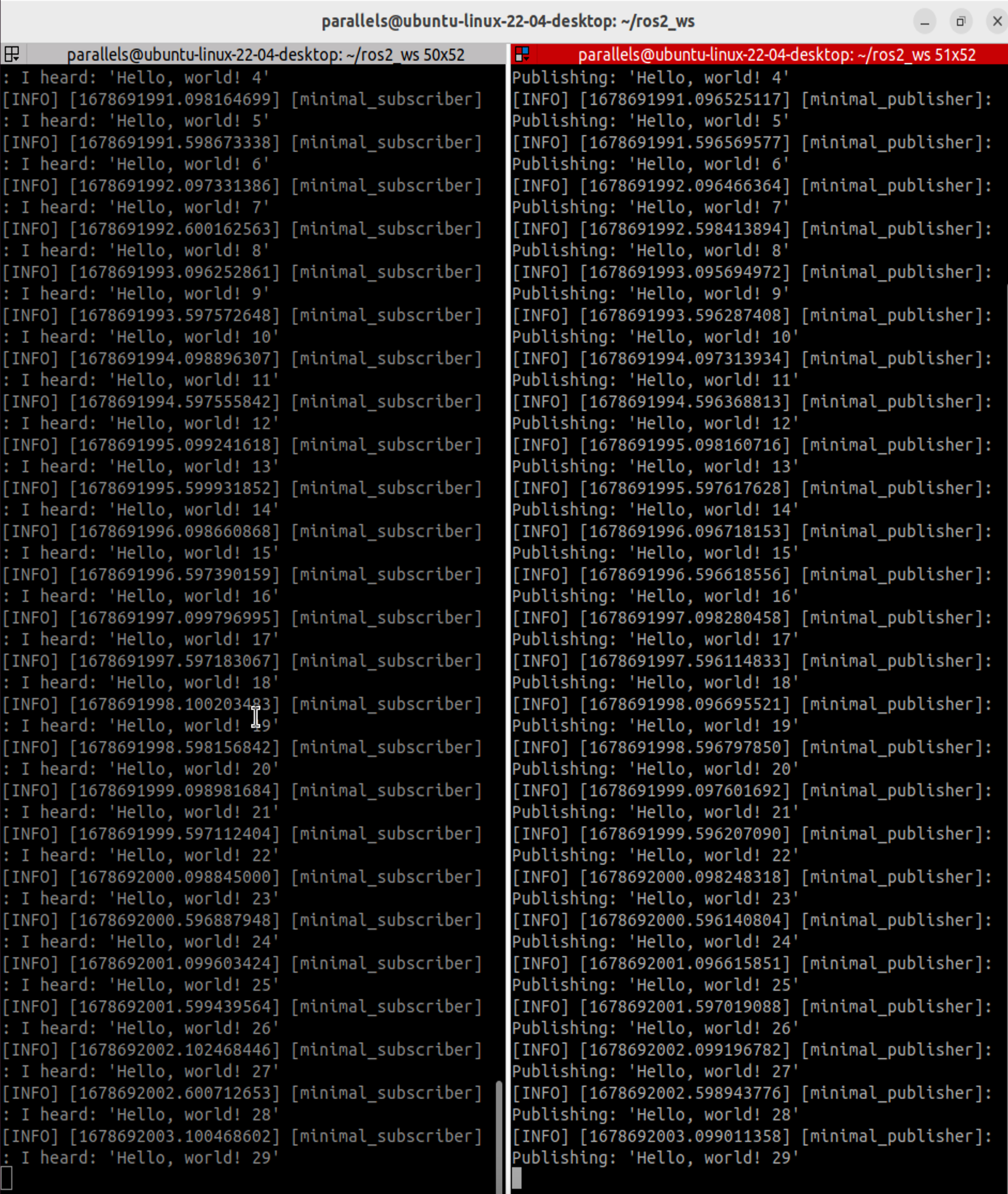
The command colcon supports command completion for bash and bash-like shells if the colcon-argcomplete package is installed.
echo "source /usr/share/colcon_argcomplete/hook/colcon-argcomplete.bash" >> ~/.bashrc